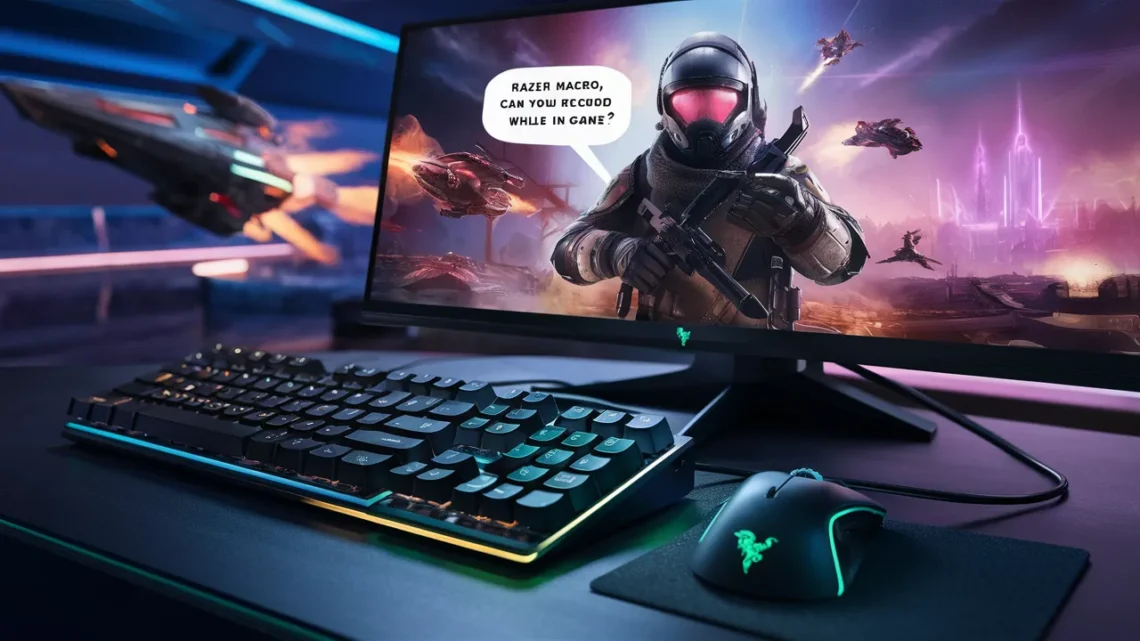
When it comes to enhancing gameplay efficiency, Razer macros stand out as one of the most powerful tools available to gamers. Whether we are executing complex combos in MMORPGs or automating repetitive actions in competitive titles, macros can significantly improve performance. A frequently asked question among users is: can you record Razer macros while in-game? The answer is not only important for convenience but also for optimizing real-time gameplay customization.
In this comprehensive guide, we explore how Razer macro recording works during gameplay, the limitations involved, and the best ways to utilize this feature effectively without disrupting your gaming experience.
Understanding Razer Macro Functionality
What Are Razer Macros?
Razer Macro Can You Record While In Game are programmable sequences of keystrokes, mouse clicks, or delays that can be executed with a single button press. Using Razer’s software, we can create advanced commands that reduce manual input and increase precision.
Role of Razer Synapse in Macro Recording
The Razer Synapse software acts as the control center where all macros are created, edited, and assigned. It allows us to:
- Record keystrokes and mouse actions
- Customize delays between actions
- Assign macros to specific keys or buttons
- Store profiles in the cloud or locally
Can You Record Razer Macros While In-Game?
Direct Answer: Yes, But With Conditions
We can record Razer macros while in-game, but it depends on how we approach the recording process and the game’s compatibility with background software.
Two Primary Methods Exist:
- Using On-The-Fly Macro Recording
- Using Razer Synapse (Background Mode)
Method 1: On-The-Fly Macro Recording
What Is On-The-Fly Recording?
On-the-fly macro recording allows us to create macros without leaving the game. This feature is built into many Razer keyboards and mice.
How It Works
- Press the dedicated macro record key (often Fn + F9 or similar)
- Perform the sequence of actions during gameplay
- Press the macro key again to stop recording
- Assign the macro to a desired button
Advantages
- No need to exit the game
- Real-time customization
- Faster workflow for competitive environments
Limitations
- Limited editing capabilities during recording
- Errors cannot be refined until after recording
- Some games may block macro inputs
Method 2: Recording Macros via Razer Synapse During Gameplay
Background Recording Capability
We can keep Razer Synapse running in the background while gaming. This allows us to record macros even when the game is active.
Steps to Record
- Open Razer Synapse before launching the game
- Navigate to the macro module
- Start recording while the game is running
- Switch between game and Synapse if needed
- Save and assign the macro
Advantages
- Greater control over macro precision
- Ability to edit delays and sequences
- More reliable for complex macros
Limitations
- Requires switching windows in some cases
- Not as seamless as on-the-fly recording
Game Restrictions and Compatibility
Why Some Games Block Macro Recording
Certain competitive games implement anti-cheat systems that restrict macro usage. These systems may:
- Prevent macro recording entirely
- Block macro execution
- Flag macro usage as unfair advantage
Examples of Sensitive Game Types
- First-person shooters (FPS)
- Competitive esports titles
- Online multiplayer games with strict rules
Best Practice
We should always ensure macros are used within game guidelines to avoid penalties or bans.
Best Practices for Recording Macros In-Game
1. Keep Macros Simple
Short and efficient macros perform better and reduce the chance of detection or errors.
2. Use Delays Strategically
Adding appropriate delays ensures that actions execute naturally and are recognized by the game engine.
3. Test Macros Outside Gameplay
Before using macros in a live match, we should test them in a safe environment to ensure accuracy.
4. Assign Accessible Keys
Choose keys that are easy to reach without disrupting gameplay flow.
5. Save Multiple Profiles
We can create different macro profiles for different games and switch between them seamlessly.
Advantages of Recording Macros While In-Game
Real-Time Optimization
We can adjust gameplay strategies instantly by recording macros during live sessions.
Enhanced Performance
Macros reduce repetitive strain and allow faster execution of complex commands.
Competitive Edge
Properly configured macros provide a smoother and more efficient gaming experience.
Common Issues and Troubleshooting
Macros Not Recording
- Ensure macro recording is enabled in Synapse
- Check device compatibility
- Restart the software
Macros Not Working In-Game
- Verify game permissions
- Disable conflicting software
- Check anti-cheat restrictions
Delayed or Incorrect Execution
- Adjust delay timings
- Re-record the macro
- Ensure stable system performance
Conclusion
Razer Macro Can You Record While In Gamee is not only possible but highly effective when done correctly. By utilizing features like on-the-fly recording and background macro creation through Razer Synapse, we can significantly enhance our gameplay efficiency. However, success depends on understanding game compatibility, maintaining clean macro sequences, and applying best practices. With the right setup, macros become an indispensable tool for both casual and competitive gamers.
Frequently Asked Questions (FAQ)
Can all Razer devices record macros in-game?
Most modern Razer keyboards and mice support on-the-fly macro recording, but functionality may vary by model.
Is it safe to use macros in online games?
It depends on the game’s rules. Some games allow basic macros, while others strictly prohibit them.
Do macros affect game performance?
Properly configured macros have minimal impact on performance and can actually improve efficiency.
Can I edit a macro after recording it in-game?
Yes, we can edit macros in Razer Synapse after recording to refine timing and actions.
What is the best method for beginners?
On-the-fly recording is ideal for beginners due to its simplicity and ease of use.